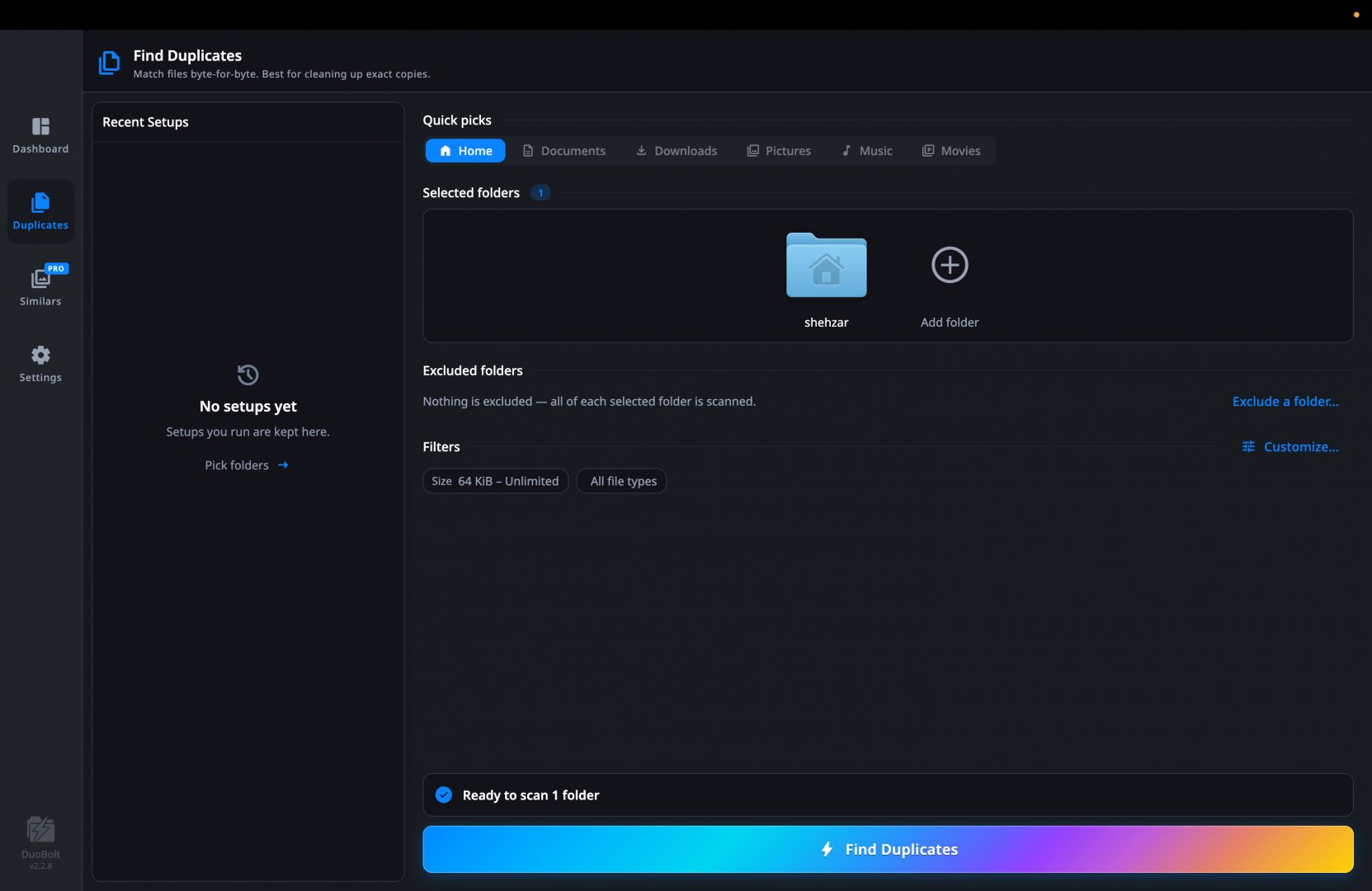
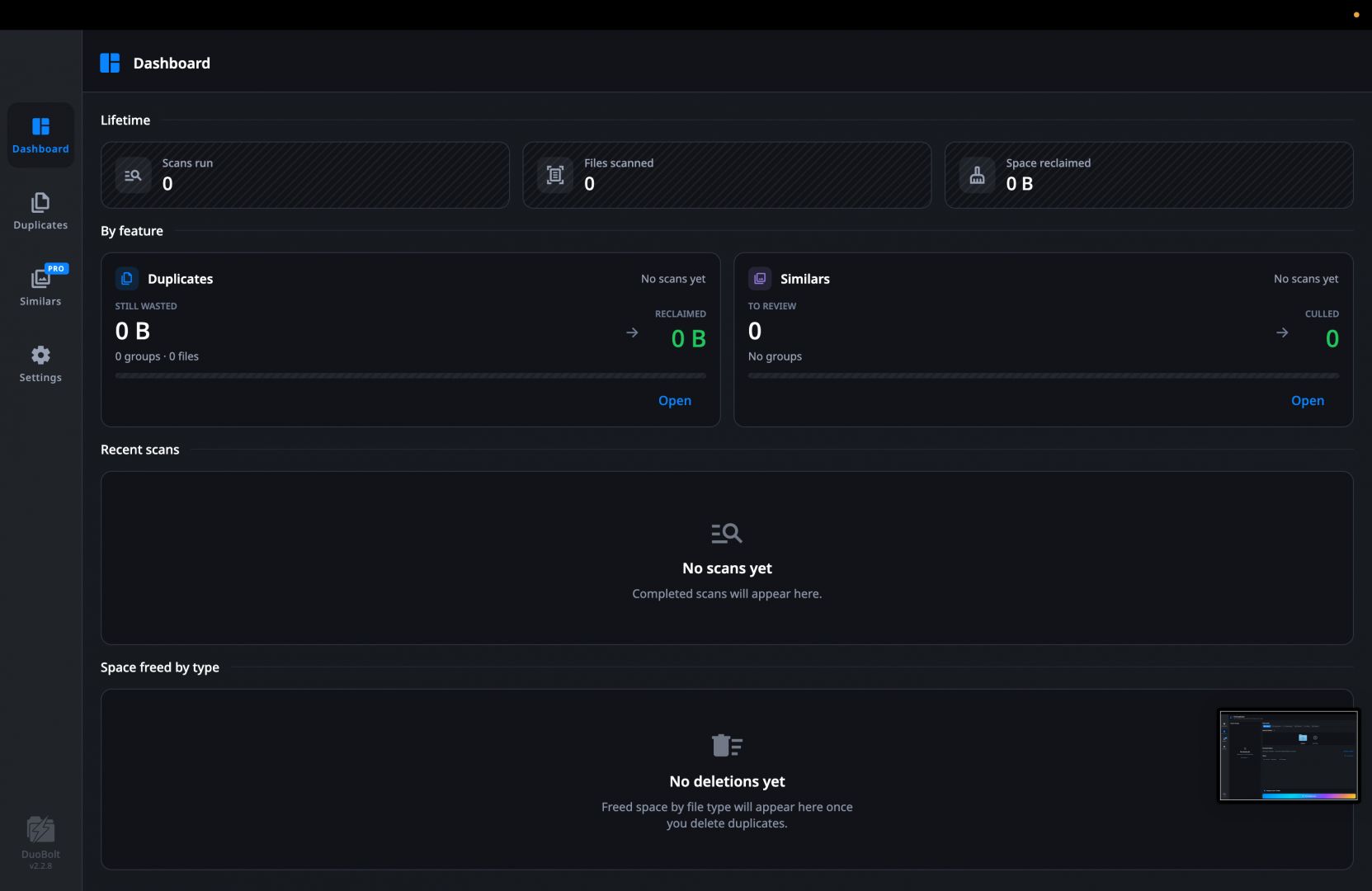
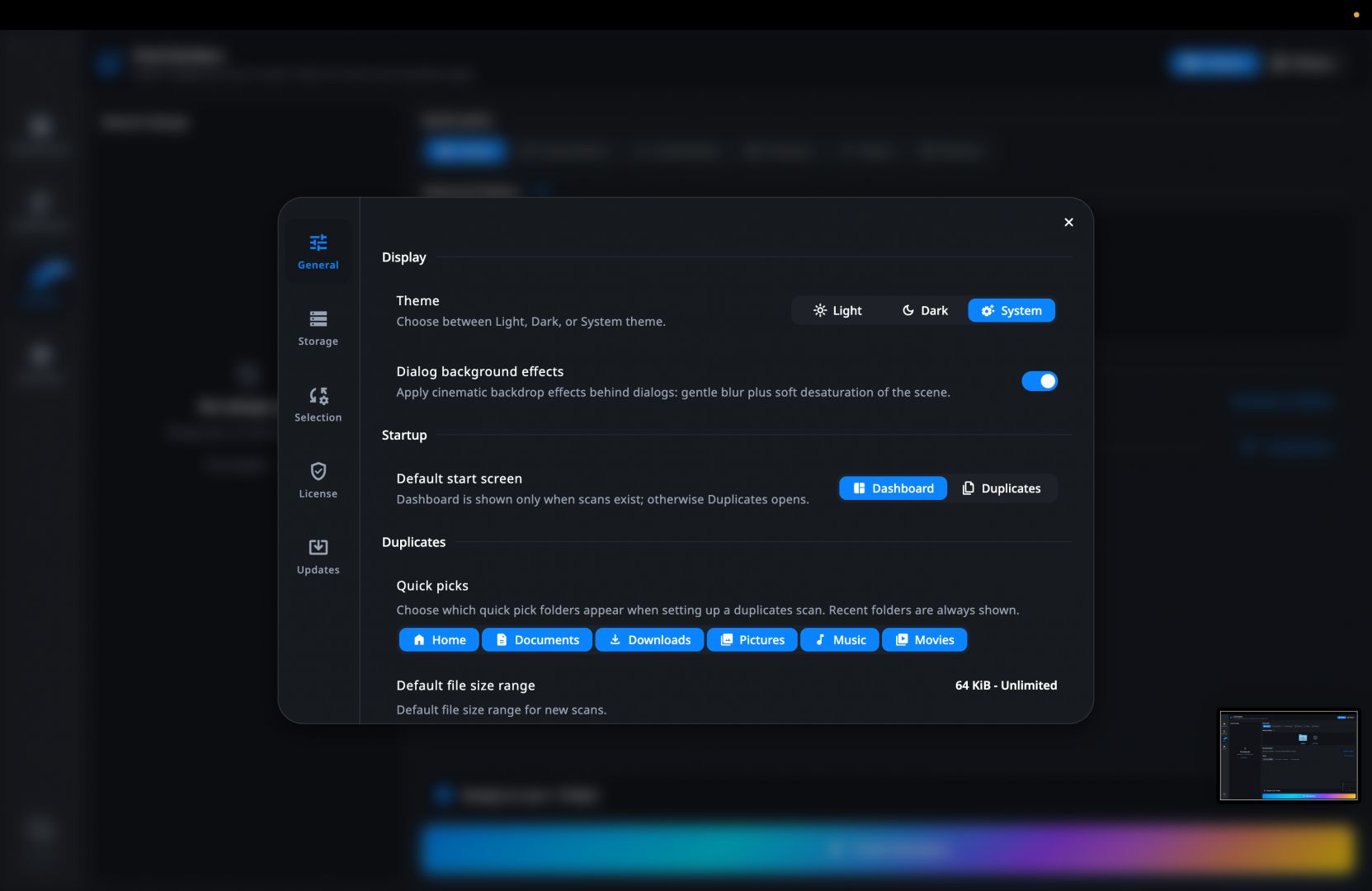
DuoBolt is a duplicate file finding application for Mac that helps users identify and remove identical files consuming extra storage space in their drives. Rated quite highly, it uses full file hashing to accurately detect exact duplicates (2 or more of the same file).
When you scan for the first time, it creates a unique hash for each file and compares that hash to all other files within the directory, rather than comparing file names or other attributes.
If you manage large collections of data - including documents, photos, and videos - and this is a problem you constantly have to deal with, DuoBolt will save the day for you. If you also don’t like organizing data and going through thousands of files to clean up, this tool simplifies the process by scanning selected locations, grouping identical files together, and allowing users to review the results before deleting them.
Accurate duplicate detection
The primary strength of DuoBolt is its focus on accuracy. Instead of comparing only filenames or file sizes, the software uses the BLAKE3 hashing algorithm to perform byte-for-byte comparisons, ensuring that only truly identical files are identified as duplicates.
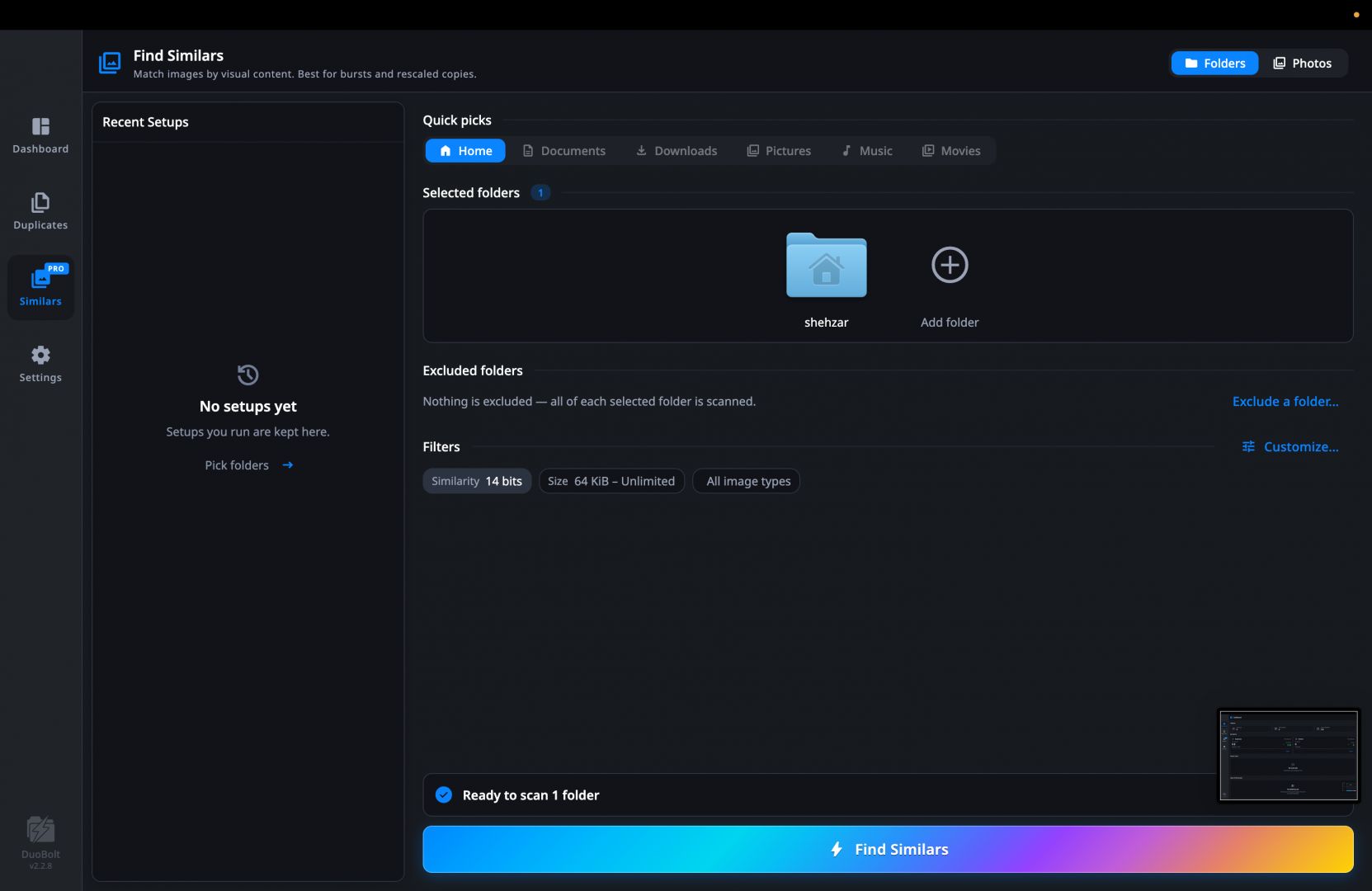
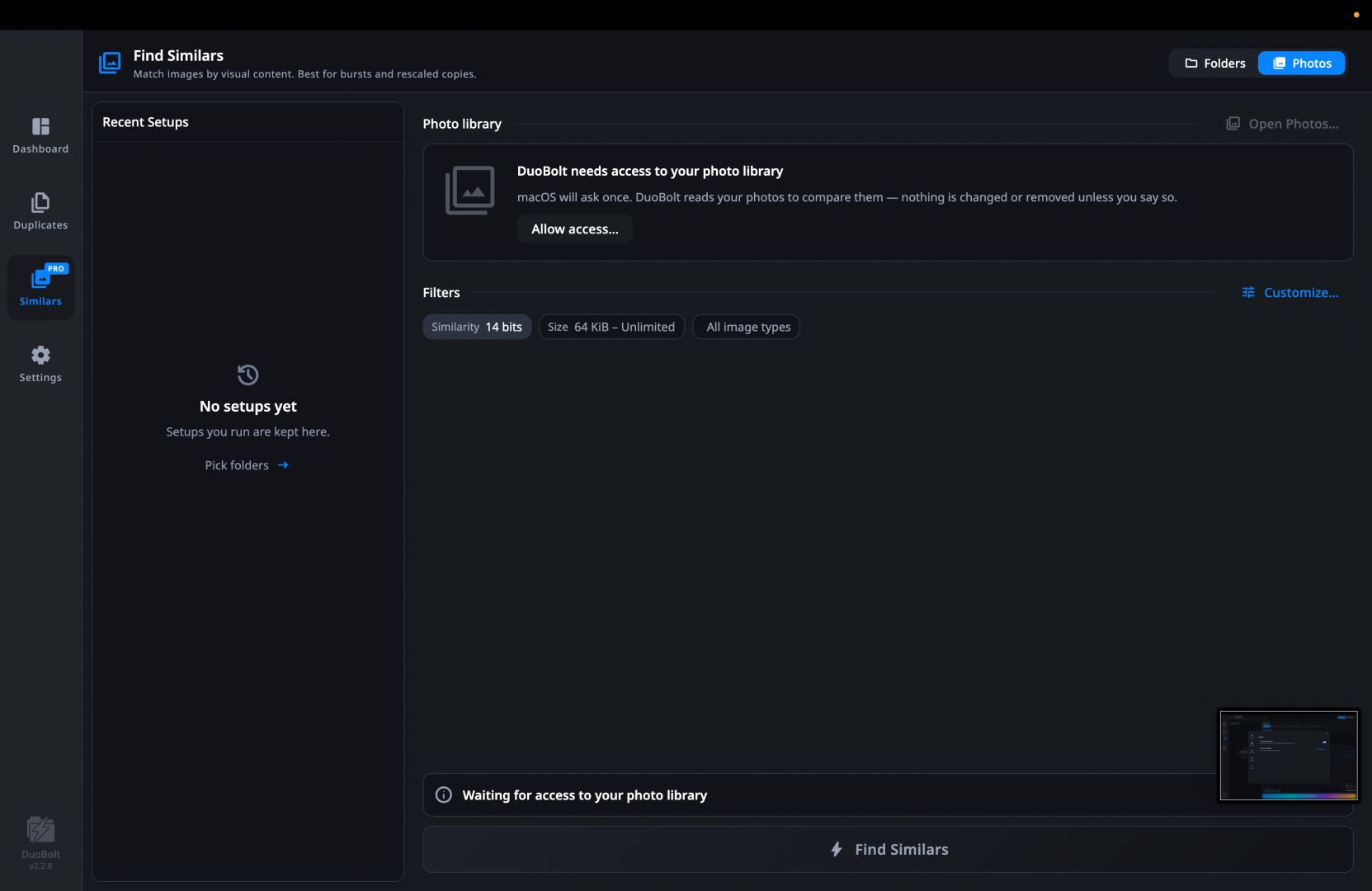
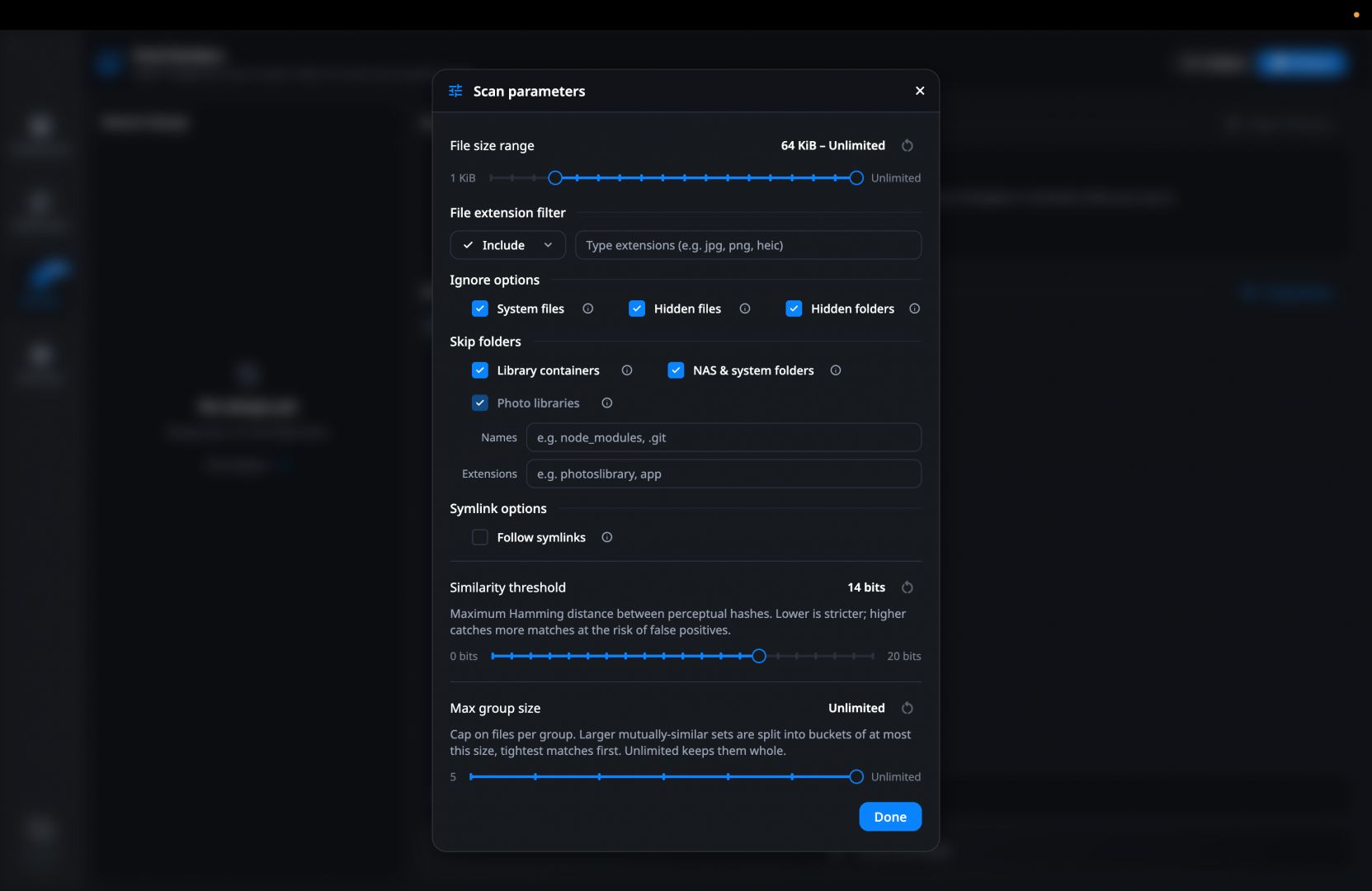
With the 2.0 update, DuoBolt introduced a "Similar Photos" feature which solves the problem of only finding exact duplicates. It now finds images that merely look alike, including burst shots, edits, re-saves, and screenshots. It incorporates an on-device AI Curation tool for this, reads your Photos library directly without requiring exports, and includes a compare curtain with histograms and keep rules to easily decide which copy stays. The best part is that it runs offline with no accounts or uploads required.
Users can scan folders containing:
- Documents and spreadsheets
- Photos and image libraries
- Videos and media collections
- Archives and other file types
This approach significantly reduces false positives and gives users greater confidence when removing duplicate files.
Performance, cleanup, and usability
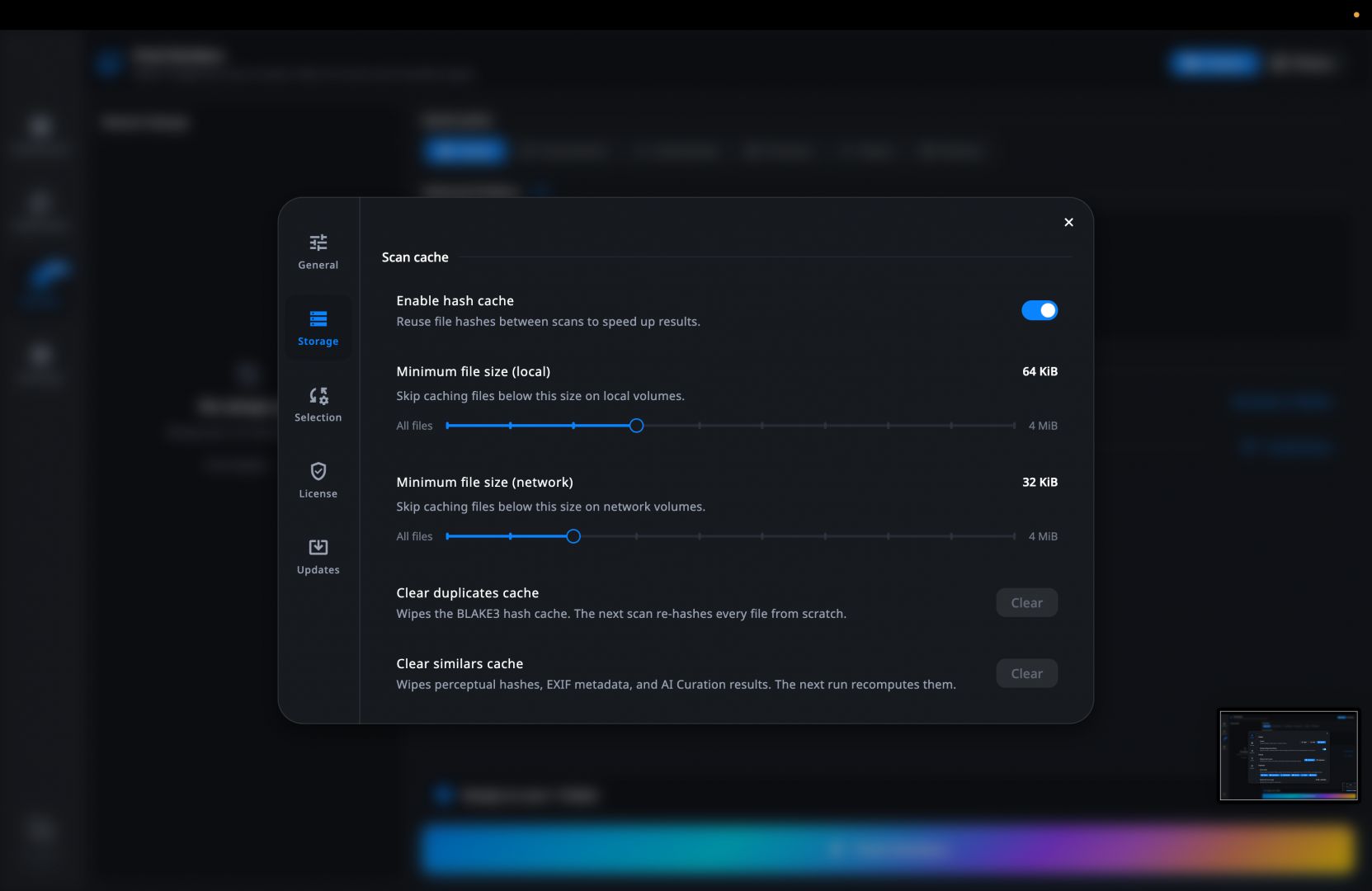
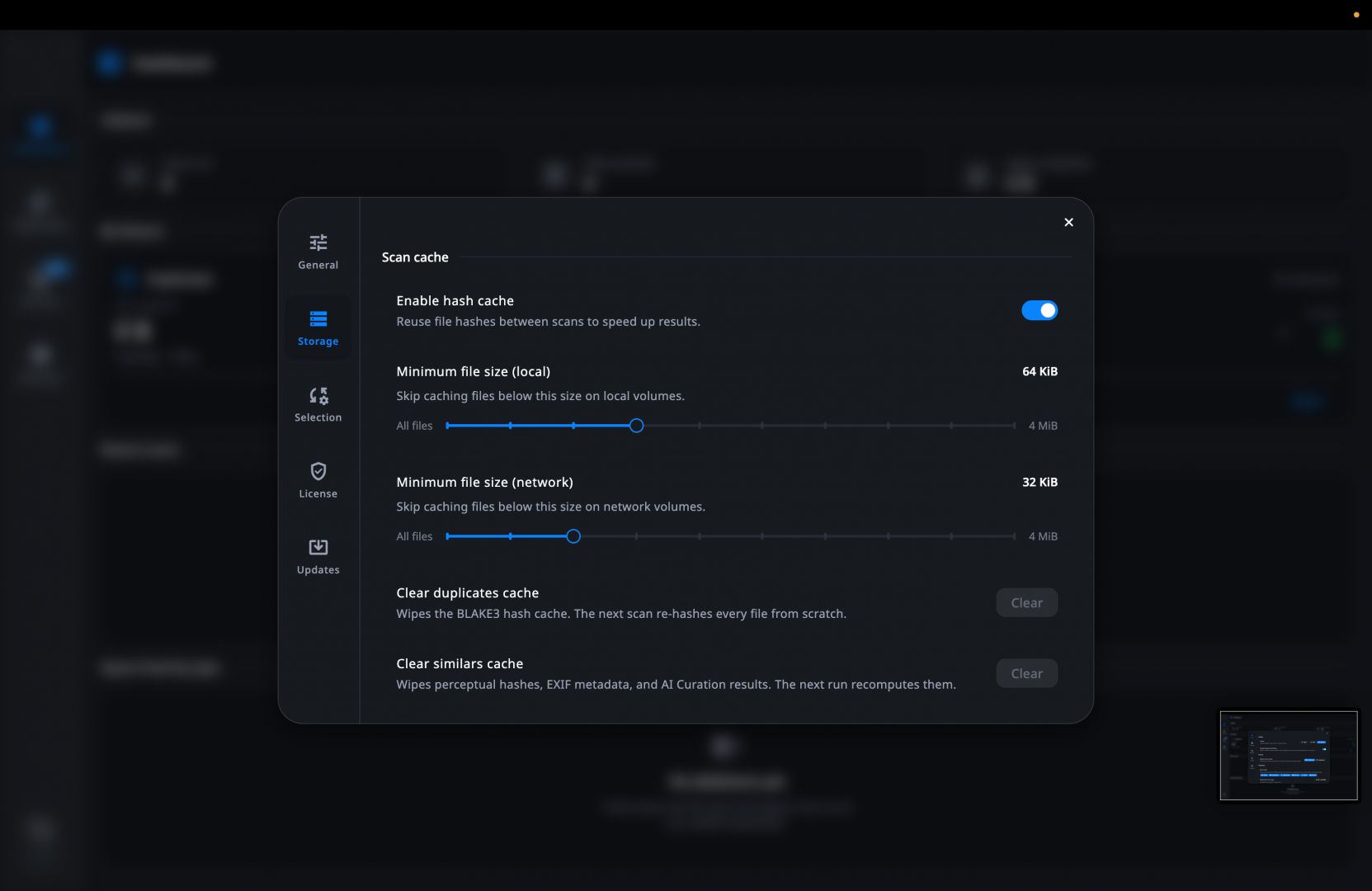
DuoBolt handles scanning well, even with big file collections. A complete rebuild has made it much more efficient in terms of memory usage and responsiveness. Multi-threaded processing and a persistent hash cache keep things fast, and repeat scans go quicker since it skips recalculating files it's already hashed.
In terms of the user interface, there’s a big upgrade with the dual-pane layout. It utilizes groups on the left, and the files inside the selected group are shown on the right. You can manage both panes and use updated filters as well.
It works across internal drives, external storage, USB devices, and network shares or NAS setups. It also features a Sync Folders tool, which compares two directories by their contents and mirrors or syncs them in either direction. It groups duplicates together so you can easily compare size, location, and other details.
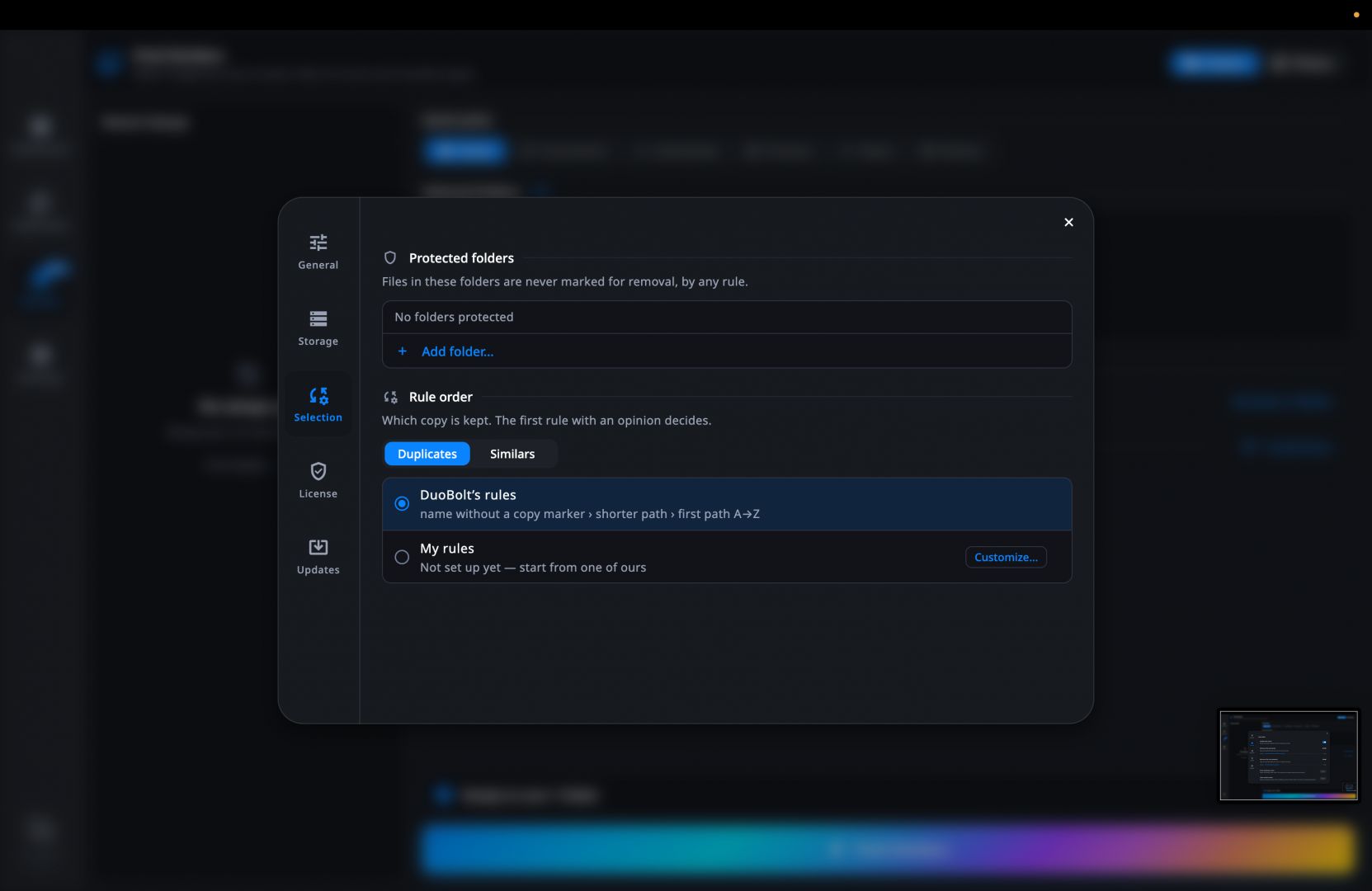
Cleanup is handled carefully. You review files before anything's deleted, and by default everything goes to the Trash instead of being wiped for good. Furthermore, it detects APFS clones so the space it reports is the actual storage the disk will free up. There are also bulk selection tools to speed things up.
Price
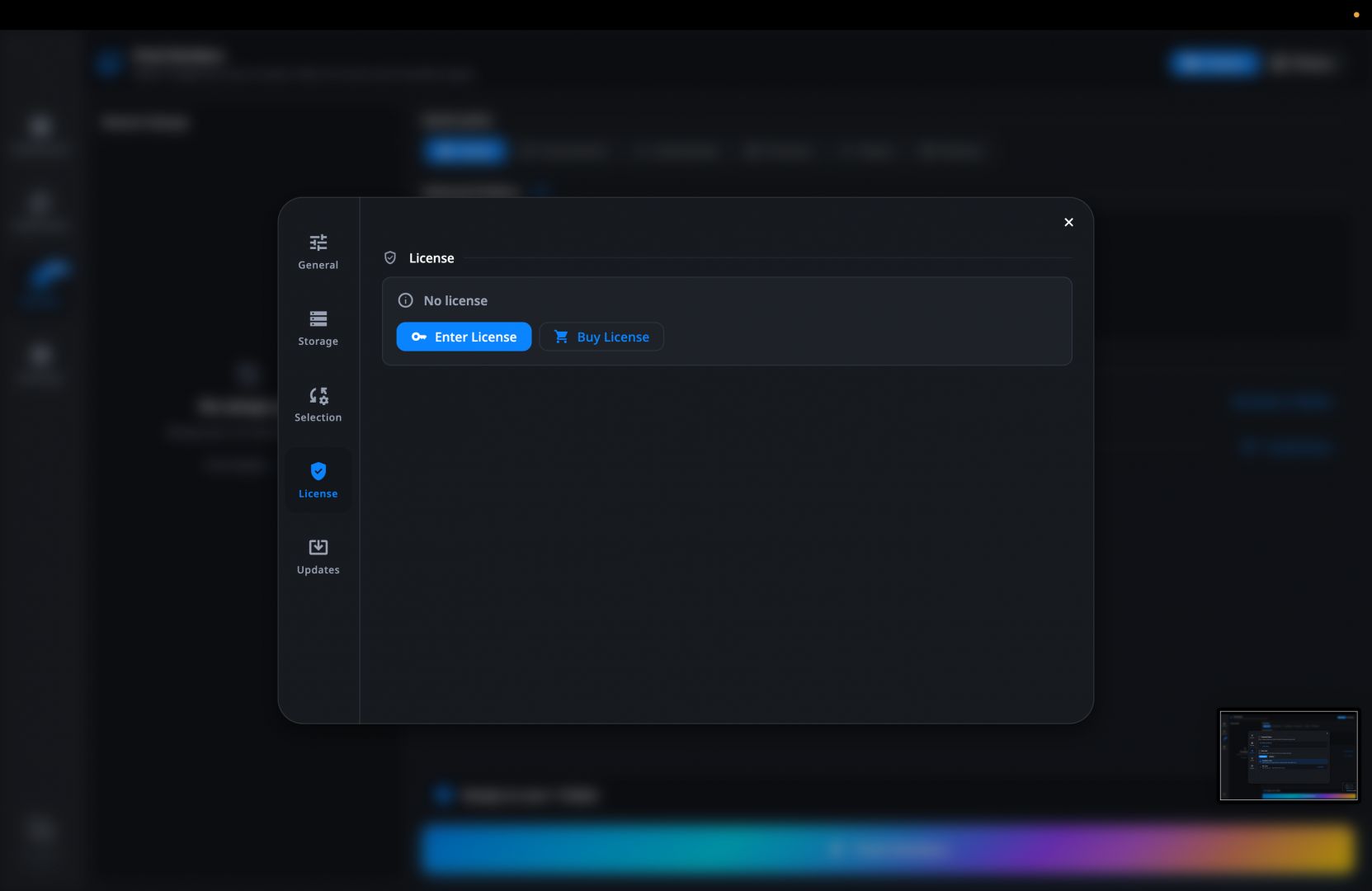
DuoBolt operates on a freemium model. It is free to use permanently, allowing you to scan and view complete results without any expiry. The only restriction on the free tier is a cap on how many files you can move or delete in a single operation. The software also offers a 7-day free trial of its advanced Pro tier, which includes the AI tools for similar photos.
To unlock unlimited bulk operations and remove the per-operation cap, you can purchase the Standard plan. For the similar photo groups and AI Curation tools, you can upgrade to the Pro plan. Both tiers are one-time purchases that cover up to two machines and come with a 30-day refund policy. The final price depends on any ongoing promotions and your region. Existing 1.x customers get the 2.0 upgrade automatically applied for free, keeping their existing seat.
A dependable tool for reclaiming storage space
DuoBolt provides a fast, accurate, and user-friendly solution for finding and removing duplicate files on Mac. Its use of full BLAKE3 hashing, an efficient scanning engine, and a safety-focused cleanup process make it an excellent choice for users looking to organize their storage without risking accidental data loss.
Whether you're cleaning up years of accumulated downloads or managing large media libraries, DuoBolt offers a reliable way to reclaim disk space while maintaining complete control over your files.